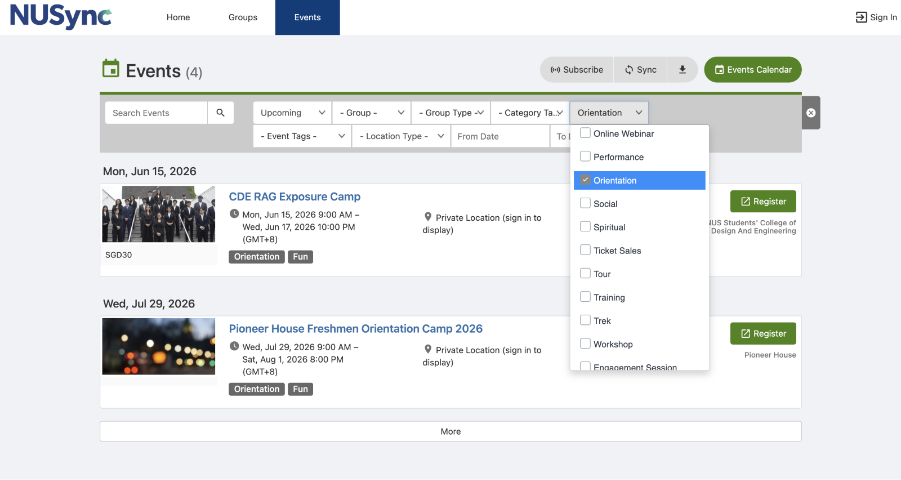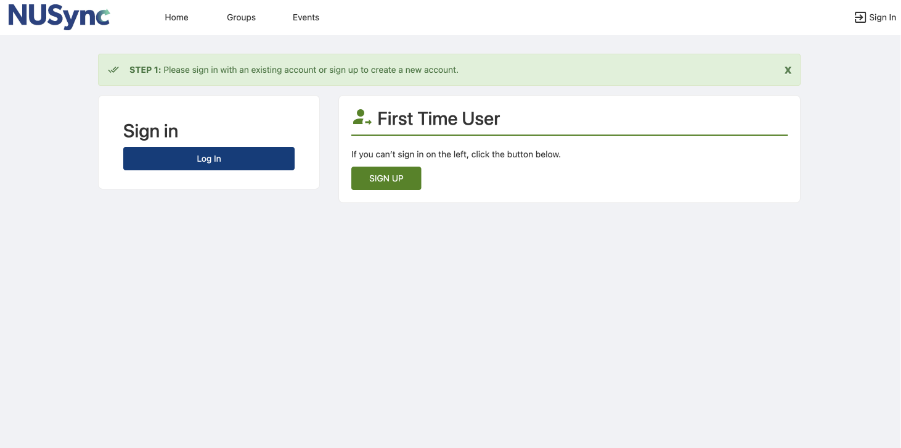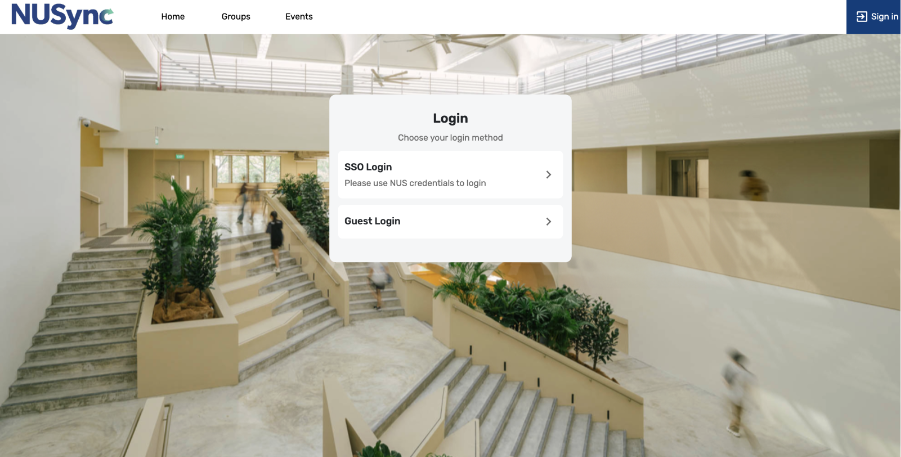

- Click “Log In”
- Click “SSO Login”
- Enter your NUS email address (eXXXXXXX@u.nus.edu) and password
- Complete any required authentication steps (if prompted)
*Note: Please ensure that your NUS network account and Office 365 EDU account have been activated prior to logging in. A separate email will be sent to your registered personal email address containing your NUS credentials and instructions on how to activate your account.

Step 6: Register Orientation Camp
Once you have successfully logged in, you will be redirected to the selected camp page. Click on “Register” to proceed with the registration process.
Step 7: Complete the Registration Form
You are required to fill in the necessary registration form. This includes your personal details, emergency contact information, and any relevant medical or dietary requirements.
Please also prepare your matriculation letter or admission offer letter, as you may be required to upload it as supporting documentation during the registration process.
Before submitting your registration, please review all details carefully to ensure that the information provided is accurate.
Step 8: Payment (If Any)
If a camp fee is required, you will be prompted to complete the payment process. You should follow the payment instructions provided and ensure that the transaction is completed successfully. Kindly take a screenshot of your payment confirmation, as you may be required to upload the payment proof during the registration process.
Once both your registration and payment have been successfully processed, a confirmation email will be sent to your email address.